Turn Academic Text into Publication-Ready Figures
Paste your methods section, describe a diagram, or upload any image — get publication-ready figures, editable draw.io files, and text-editable overlays in seconds.
Try it now
Paste your academic text or describe a diagram — get a publication-ready figure or editable draw.io file in seconds.
Ready to Visualize
Paste your academic text and hit Generate
See it in action
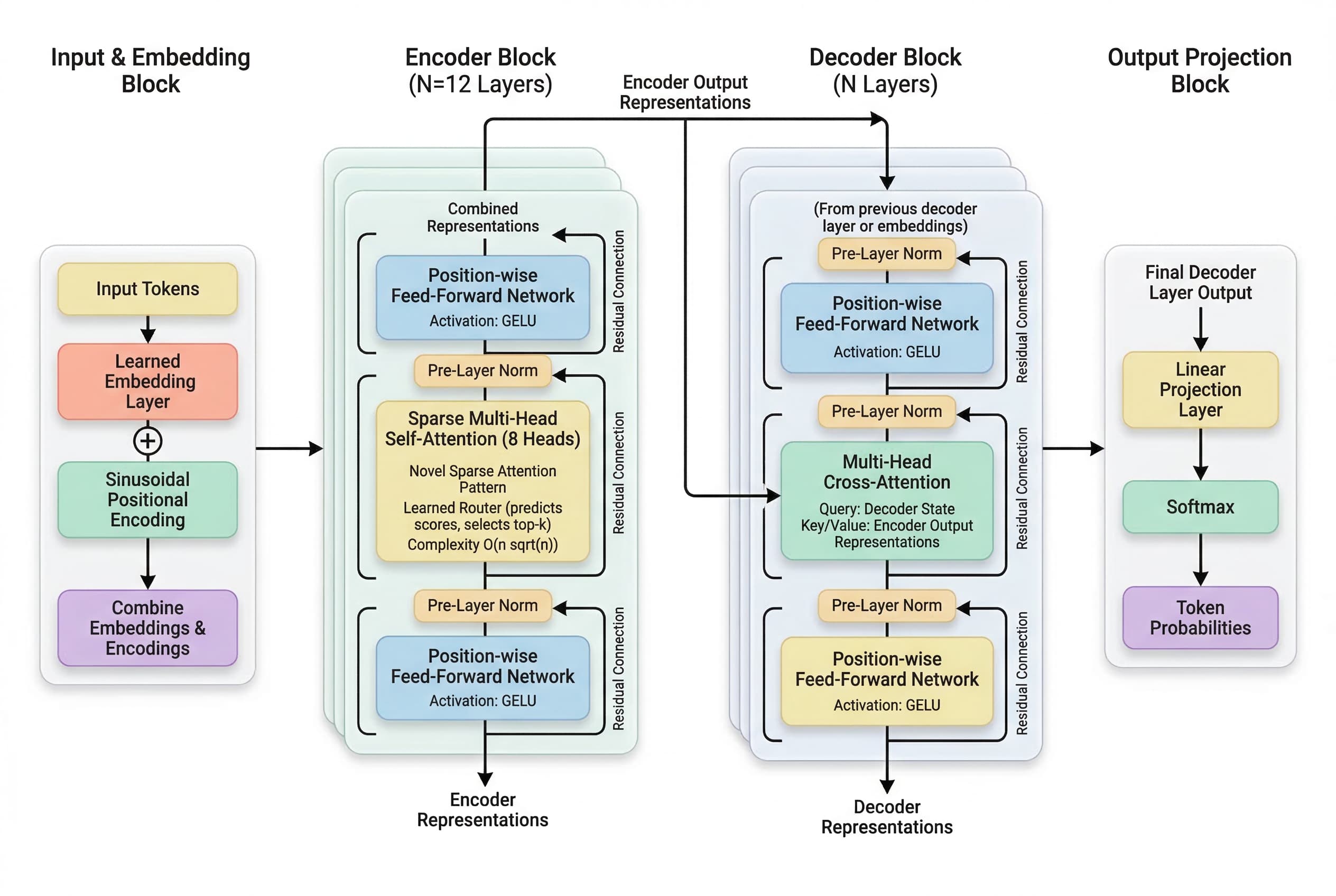
Real figures generated from academic text — across disciplines, ready to publish.
Features
Everything you need to go from raw academic text to a polished, publication-ready figure — in seconds.
Simple, transparent pricing
Buy credits once, use them anytime. All features included.
Free
No credit card required.
- Academic figure (PNG, 2K)
- draw.io diagram export
- Caption & description included
Starter
Perfect for trying out all features.
- 20 generations
- Academic figure (PNG, 2K)
- draw.io diagram export
- Caption & description included
Standard
Best for active researchers.
- 45 generations
- Academic figure (PNG, 2K)
- draw.io diagram export
- Caption & description included
Pro
Best value for power users.
- 80 generations
- Academic figure (PNG, 2K)
- draw.io diagram export
- Caption & description included
Credits never expire · Secure checkout via Stripe
Testimonials
What everyone else is saying
quietlab
Researcher
I used to spend half a day making pipeline diagrams. AcademicBanana gives me something usable in under a minute. It's now part of every paper I submit.
hexnodes
Developer
Described our microservice architecture in two sentences and got a clean draw.io file back. Opened it straight in diagrams.net and it was 90% done.
prism_ink
Designer
I use it to quickly mock out system flows before I polish them in Figma. The flat-design output matches my style guide almost perfectly.
delta_nine
Researcher
Pasted my methods section, downloaded the PNG, dropped it into LaTeX. Zero editing. The reviewer didn't comment on the figures once.
wren.os
Student
Made all the figures for my thesis in an afternoon. Normally that would take a week. I genuinely can't believe this is free to try.
koda_build
Developer
We use the Diagram Builder for internal architecture docs. Much faster than drawing from scratch, and the XML is clean enough to version control.
nocturnalpi
Researcher
The auto-generated captions are surprisingly academic in tone. I use them as a first draft and barely touch them before submission.
sablewing
Educator
I create course material diagrams constantly. This cut my prep time dramatically. Students say the visuals are clearer than anything I made manually.
ferric_loop
Engineer
Used it to generate a data pipeline diagram for a client presentation. Got compliments on the design. Nobody knew it took me two minutes.
nullvector
Developer
The parallel pipeline is genuinely fast. I iterate during a meeting and have the updated diagram before the discussion moves on.
tangent.run
Consultant
I drop the draw.io files into Confluence for client wikis. The output is clean, professional, and saves me explaining everything from scratch.
ash_static
Student
Generated a workflow diagram for my internship report. My supervisor asked which tool I used — didn't expect that reaction from a free AI tool.
FAQ
You got questions? I got answers.
AcademicBanana is an AI-powered tool that converts academic text into publication-ready figures (PNG) and editable diagrams (draw.io XML). Paste your methods section or describe a system architecture — and get a clean, professional figure in seconds.
It runs a three-stage AI pipeline in parallel: a Planner extracts structure and hierarchy from your text, a Stylist translates that into a flat-design image prompt, and an ImageGen model renders the final PNG at high resolution. An auto-generated caption and description are included with every figure.
You describe your system, workflow, or architecture in plain language. The AI generates a valid draw.io XML file (mxGraphModel) that you can open directly in draw.io, diagrams.net, Confluence, or any compatible editor — and edit freely.
The Figure Generator produces a PNG image, a caption (.txt), and a description (.txt). The Diagram Builder produces a .drawio file (XML). All downloads are available in one click after generation.
No. Just paste your text or type a description in plain English. AcademicBanana handles layout, style, and formatting automatically.
The output is designed to match the flat-design, high-contrast style common in top-tier venues. Many users submit figures directly after minor edits. For very specific journal style guides, you may want to make small adjustments in a vector editor.
Yes. New accounts receive 3 free credits on sign-up — no credit card required. Each generation uses 1 credit. Buy more credits anytime from the pricing page; they never expire.
All purchases are generally non-refundable as access is granted immediately upon payment. We review refund requests on a case-by-case basis. To submit a request, email support@tentacleslab.com with the subject "Refund Request" and your account email. Approval is not guaranteed.